


资源名称:Javascript文件对象 Javascript File Object 英文pdf
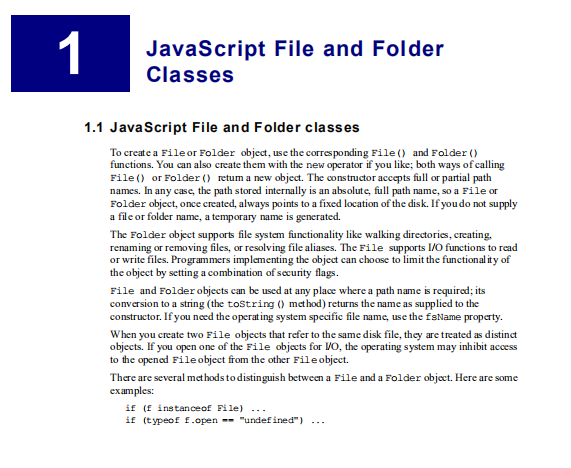
To create a File or Folder object, use the corresponding File() and Folder() functions. You can also create them with the new operator if you like; both ways of calling File() or Folder() return a new object. The constructor accepts full or partial path
names. In any case, the path stored internally is an absolute, full path name, so a File or Folder object, once created, always points to a fixed location of the disk. If you do not supply a file or folder name, a temporary name is generated.
The Folder object supports file system functionality like walking directories, creating, renaming or removing files, or resolving file aliases. The File supports I/O functions to read or write files. Programmers implementing the object can choose to limit the functionality of the object by setting a combination of security flags.
File and Folder objects can be used at any place where a path name is required; its conversion to a string (the toString() method) returns the name as supplied to the constructor. If you need the operating system specific file name, use the fsName property.
When you create two File objects that refer to the same disk file, they are treated as distinct objects. If you open one of the File objects for I/O, the operating system may inhibit access to the opened File object from the other File object.
There are several methods to distinguish between a File and a Folder
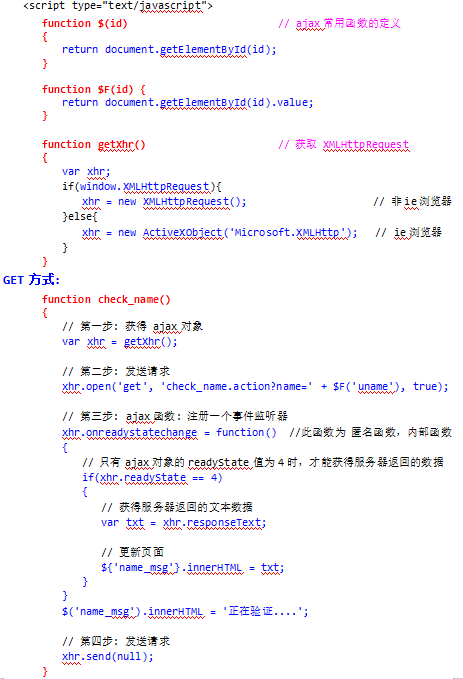
资源截图:
版权申明
本文为小栈资源网(www.xzres.com)原创内容,受版权保护。
转载请务必注明出处及原文链接,未经授权禁止任何形式的改编、商用及二次分发。
本文提供的资源及内容仅用于个人学习、研究用途,严禁用于商业目的。
如发现内容侵犯了您的合法权益,请联系我们:jieligw@qq.com,我们将在24小时内处理。












请登录后查看评论内容